
Smart Portable TV Display by Infochip Technology All-in-One AI Home Device
Various versions have evolved over then years, sometimes by accident, sometimes on purpose (injected humour and the like).

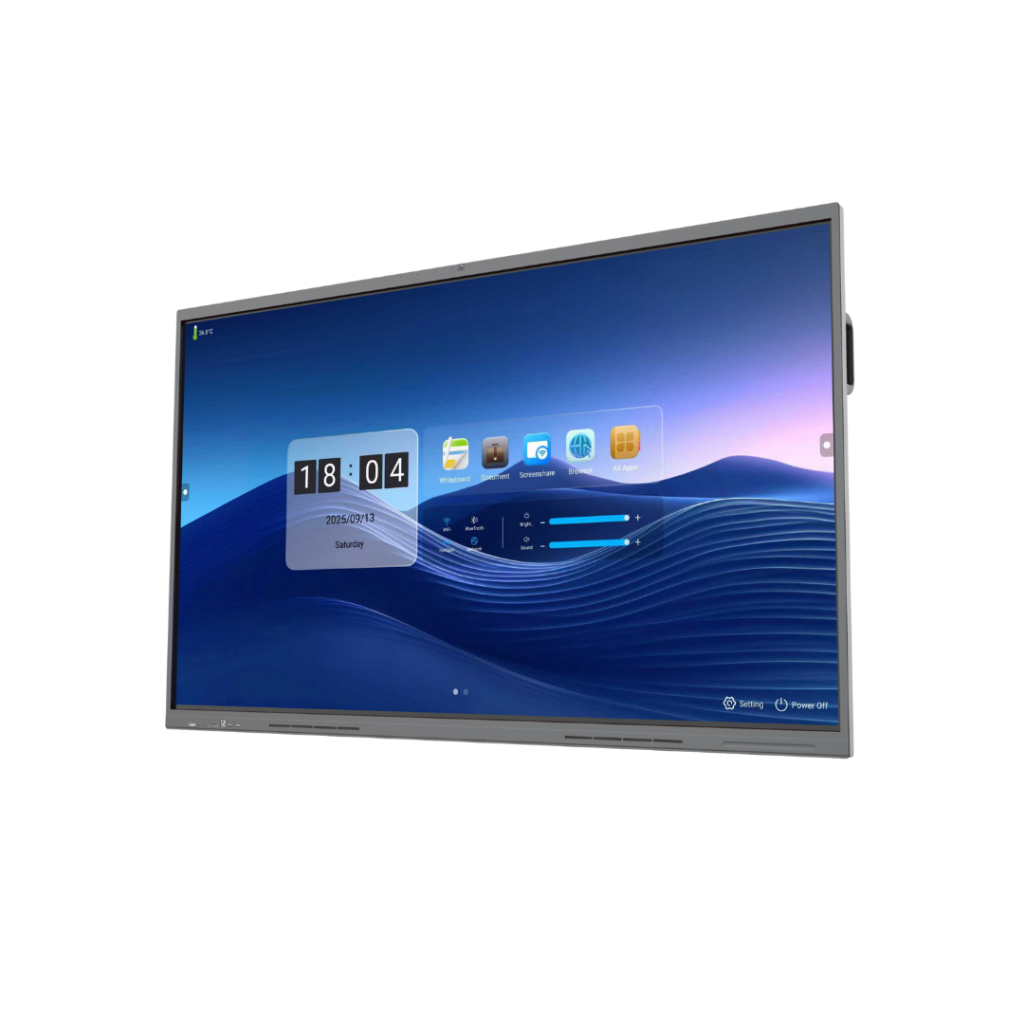
Classrooms are evolving rapidly. Traditional teaching methods like textbooks, chalkboards, and static lessons no longer fully engage students. Thanks to interactive flat panel displays, teachers now have the tools to transform their classrooms into smart learning hubs.
These interactive displays combine the functionality of a digital board, smart whiteboard, visualizer, and multimedia system into a single, touch-enabled device. For teachers, this means better teaching, real-time student engagement, collaborative learning opportunities, and enhanced teaching experiences.
GFF 65/75/86/98-inch interactive flat panel displays offer countless creative ways to deliver lessons interactively, whether in maths, science, English, or geography. Let’s explore 10 interesting ways to use interactive flat panel displays in the classroom.
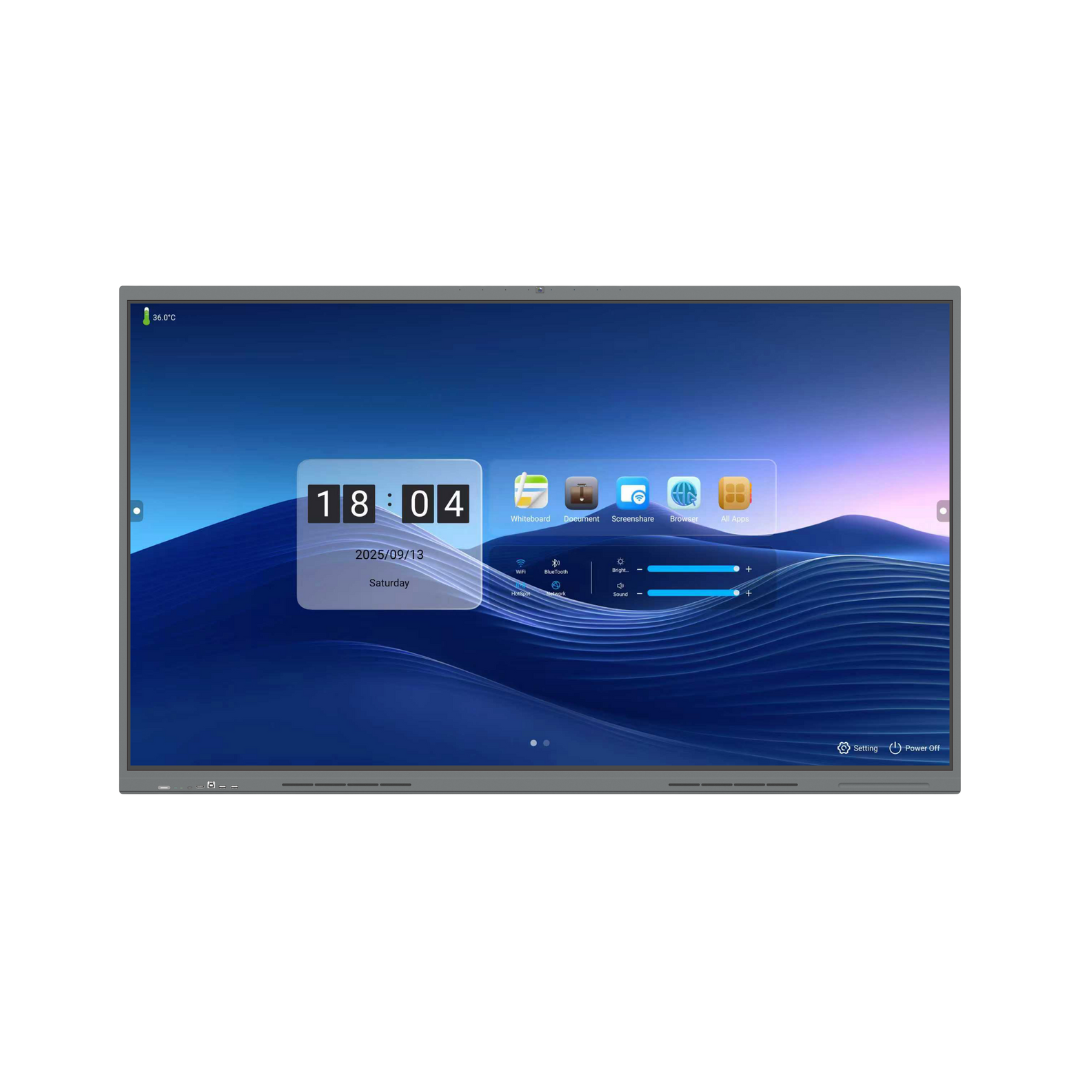
One of the biggest advantages of using an interactive flat panel display is combining multiple digital resources in a single lesson.
Benefits for teachers:
Practical classroom examples:
These interactive displays improve education by turning classroom learning into a dynamic, visual, and memorable experience.
GFF interactive panels come equipped with a digital whiteboard that allows teachers to write, draw, highlight, and annotate in real-time.
Why teachers love it:
Subjects that benefit:
Using whiteboards in this way makes lessons interactive, helping students understand concepts better and making learning more interactive.
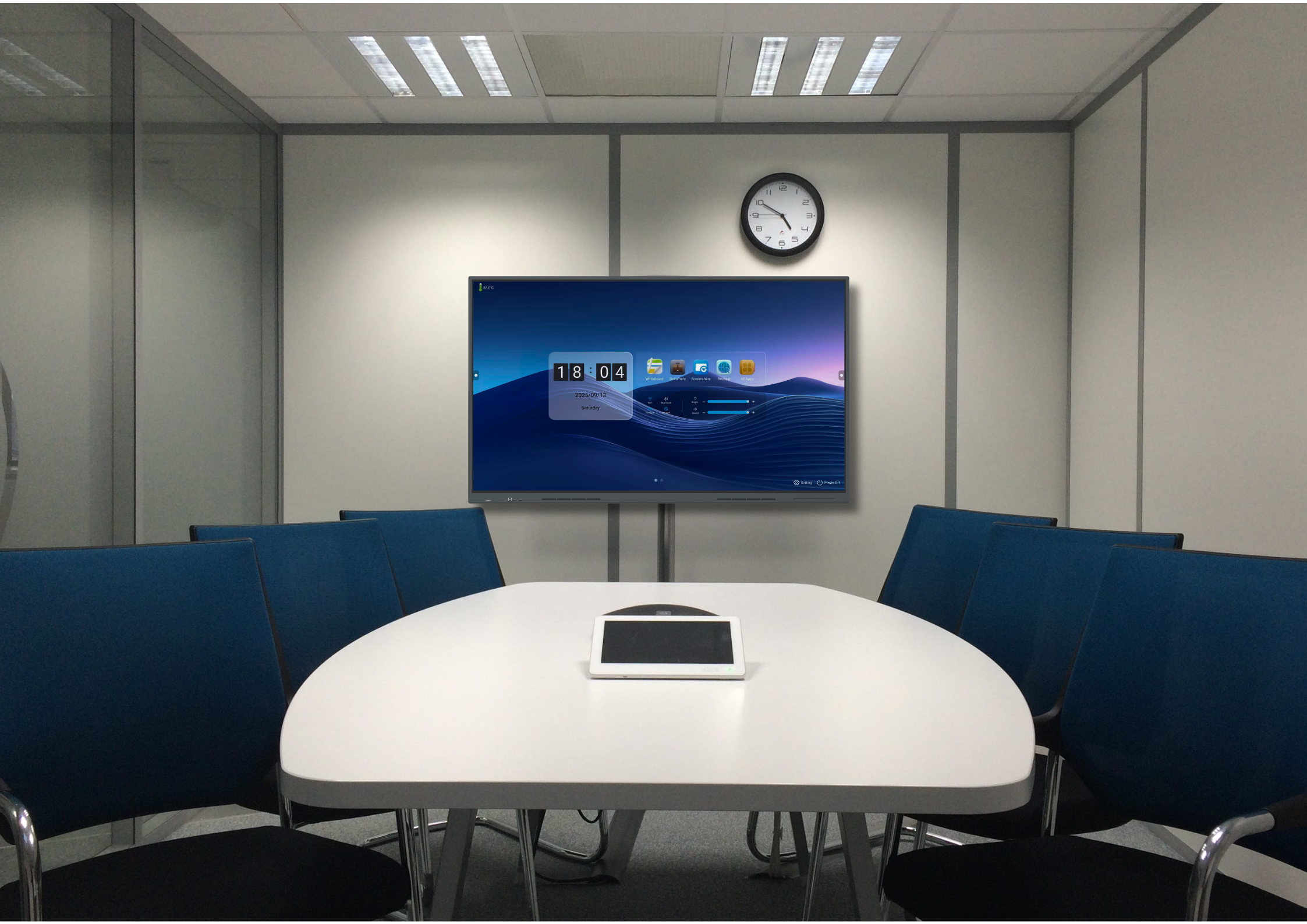
Many interactive panels support multi-touch, allowing several students to interact simultaneously. This promotes active learning and teamwork.
Collaboration ideas:
Benefits for students:
Infochip GFF smart boards transform traditional classrooms into interactive learning environments, giving students hands-on experiences.
Teachers can run quizzes and polls directly on the interactive touch screen display using apps like Kahoot, Quizizz, or Google Forms.
Advantages:
Classroom examples:
This use of interactive displays enhances student engagement and allows teachers to monitor learning outcomes instantly.
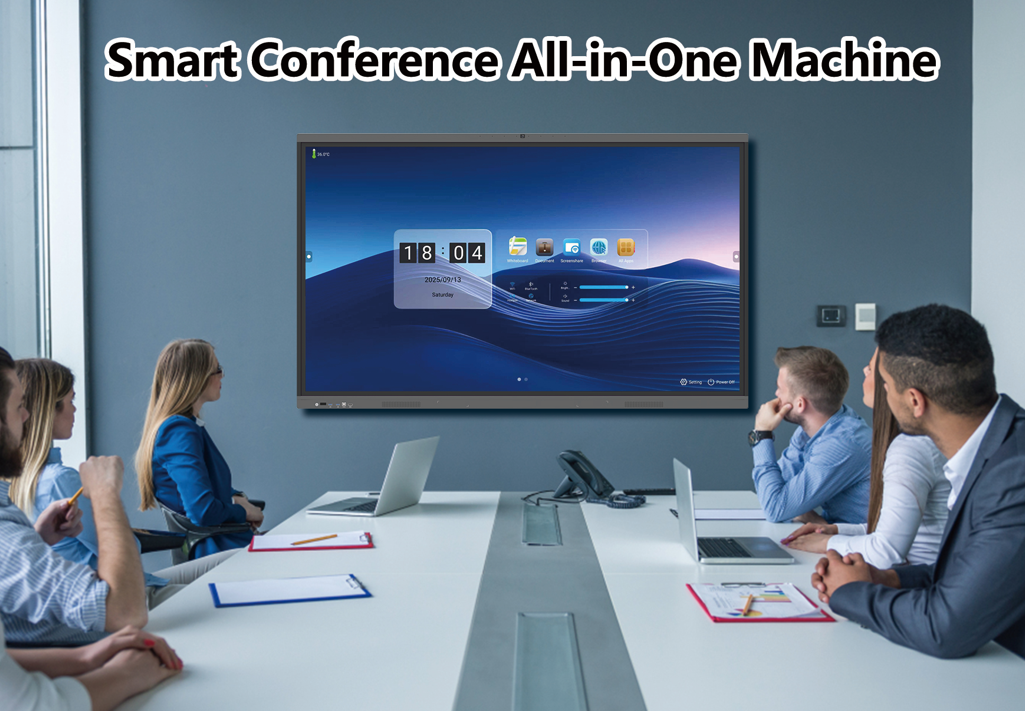
Teachers can annotate digital textbooks, worksheets, and websites directly on the interactive flat panel display.
How it works:
This method supports better teaching as it allows students to see clear explanations in real-time, improving retention and understanding.
Students can share their screens wirelessly, enabling presentations directly on the board for classroom use.
Why this matters:
Examples:
This interactive capability ensures classrooms are student-centered and collaborative.

Most interactive flat panel displays support Android or Windows apps, giving access to thousands of educational tools.
Examples:
Using these apps makes lessons more engaging, interactive, and memorable for students.
GFF interactive flat panel displays allow screen recording, which is perfect for students who miss class or need revision.
Benefits:
This encourages independent learning and ensures no student is left behind.
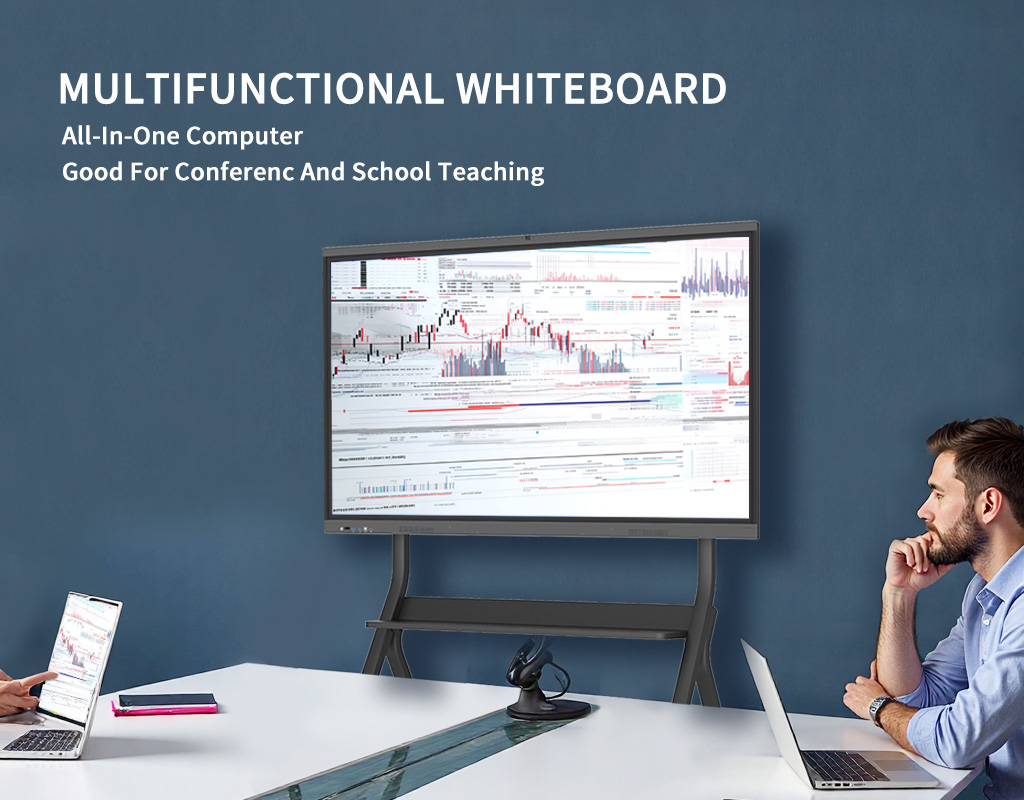
IFPDs integrate with Zoom, Google Meet, and Microsoft Teams for remote teaching.
Advantages:
This classroom technology allows schools to adapt to modern learning needs efficiently.
Subjects like science, engineering, biology, chemistry, and physics become exciting through interactive simulations and 3D models.
Examples:
This brings abstract concepts to life, making learning experiences richer and easier to understand.





One comment
Ebony740
Fast indexing of website pages and backlinks on Google https://is.gd/r7kPlC