
Smart Portable TV Display by Infochip Technology All-in-One AI Home Device
Various versions have evolved over then years, sometimes by accident, sometimes on purpose (injected humour and the like).

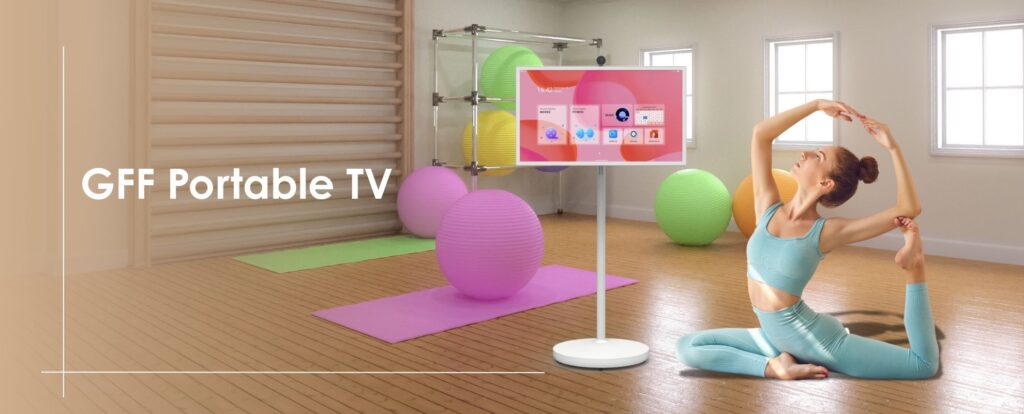
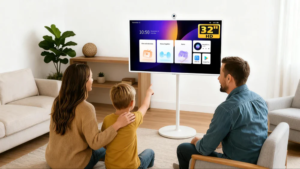
In today’s fast-paced world, where remote work and digital collaboration have become the norm, having the right tools at your disposal is crucial for maintaining productivity. Enter the GFF Rollable Smart Touchscreen TV—a game-changer for both home offices and corporate environments. With its blend of cutting-edge technology and user-friendly features, GFF is designed to help you work smarter, not harder.
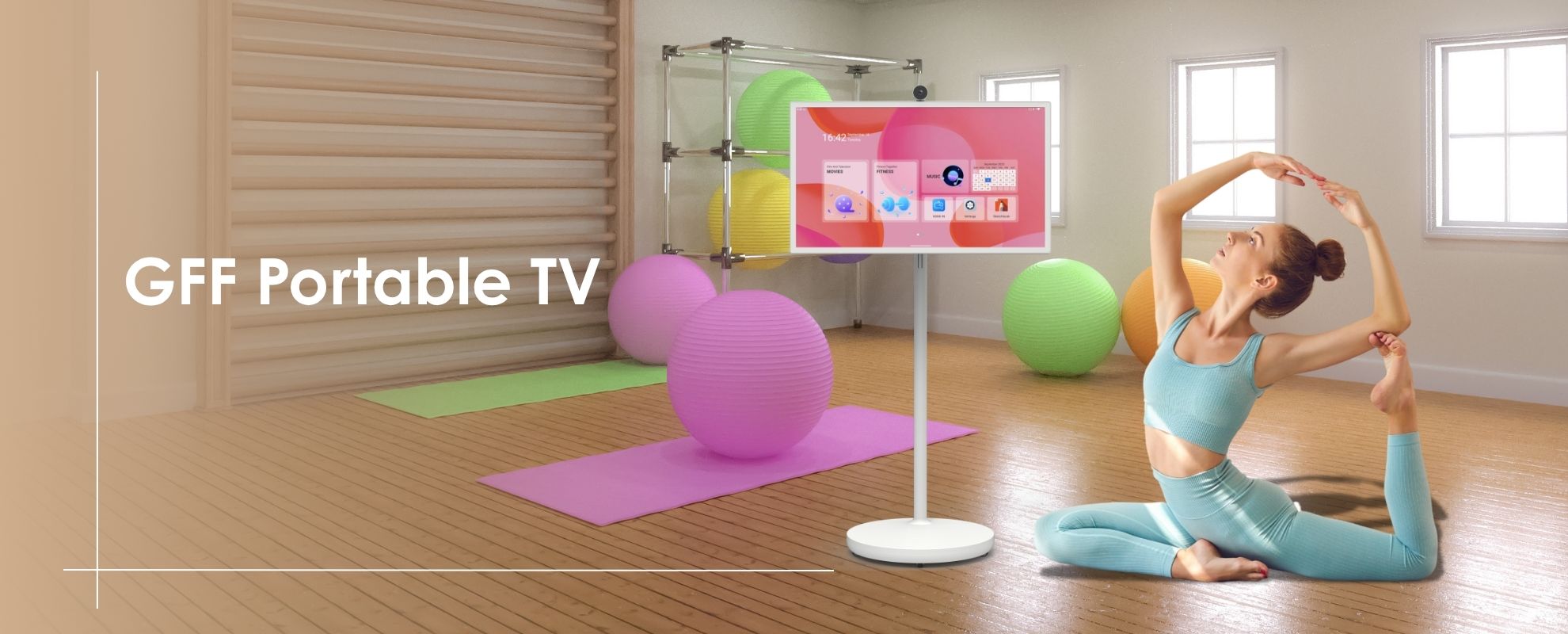
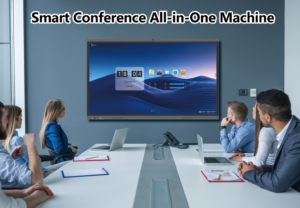
Video conferencing has become a staple of modern work life, and GFF’s built-in front-facing camera and 8-core high-performance processor ensure that your meetings are seamless and professional. The 32-inch touchscreen provides ample space for displaying participants, presentations, and notes all at once, reducing the need to switch between screens.
Tips for Better Video Conferencing:

GFF’s Android 15 operating system and 8GB memory allow for smooth multitasking, enabling you to run multiple apps simultaneously without lag. Whether you’re drafting a document, attending a virtual meeting, or researching online, GFF’s large, interactive screen makes it easy to manage multiple tasks at once.
Tips for Efficient Multitasking:
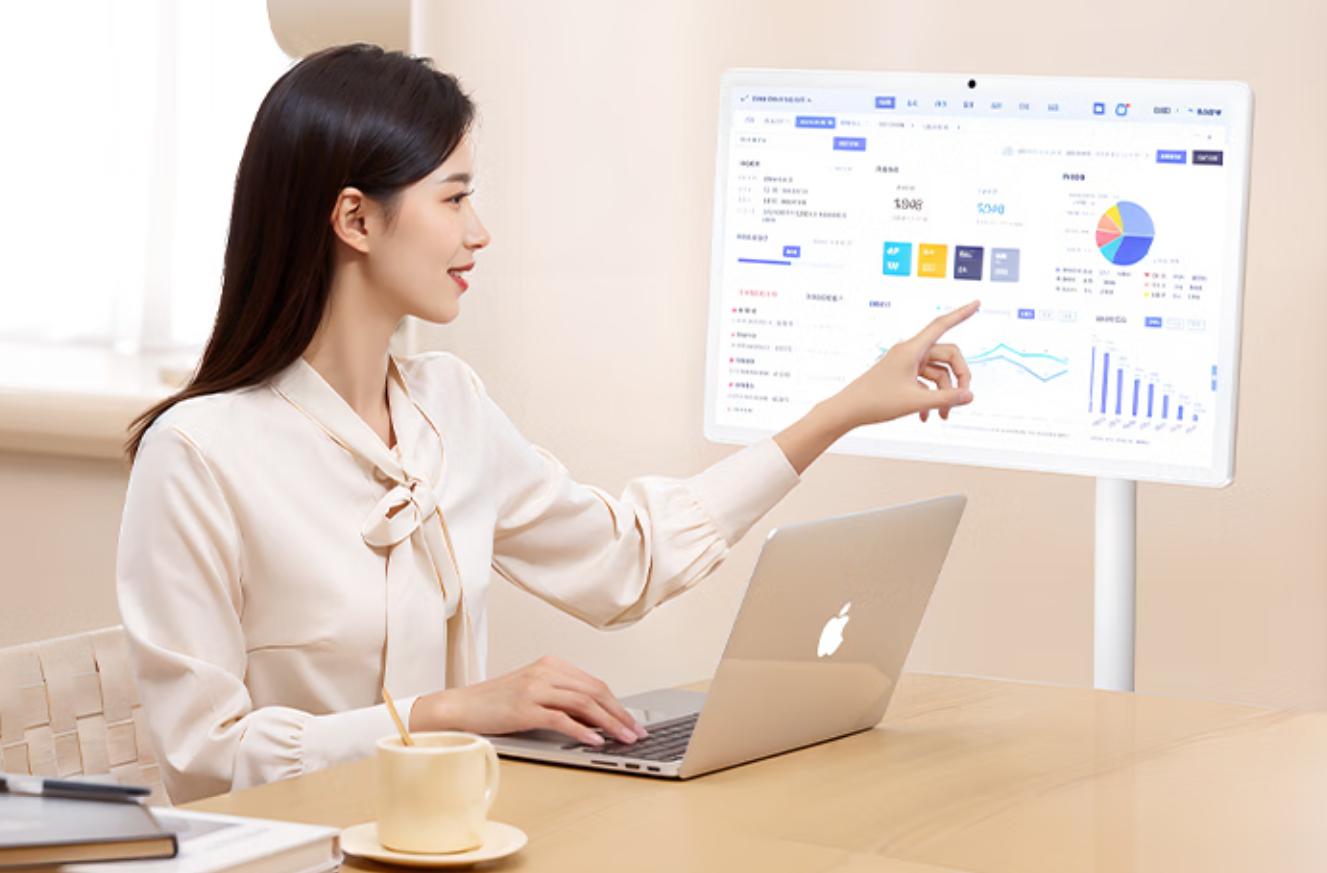
The GFF Portable TV on wheels isn’t just a monitor—it’s a complete work solution. Its Wi-Fi 2.4G+5G connectivity ensures fast and stable internet access, essential for cloud-based applications and real-time collaboration. Plus, the 7-hour battery life makes GFF perfect for remote work situations, allowing you to move around your home or office without worrying about power outlets.
Tips for an Optimal Remote Work Setup:

GFF is designed to integrate smoothly with your existing office tech. The device comes with multiple ports, including HDMI, USB-A, and USB-C, making it easy to connect external devices such as keyboards, mice, printers, and external drives. Whether you’re in a corporate setting or working from home, GFF ensures that all your tools work together harmoniously.
Tips for Integrating with Office Tech:
GFF’s interactive touchscreen is ideal for presentations and collaborative meetings. In a corporate environment, the ability to move the device around easily and adjust the viewing angle means you can engage your audience more effectively. The large screen size and high-definition display (1920*1080 FHD IPS screen) make every detail of your presentation clear and impactful.
Tips for Effective Presentations:


One comment
selcuksportshd apk
Looking for the Selcuksportshd APK? You can find info and maybe even download the selcuksportshd apk right here online. happy streaming.